Operations platform
One place to run the work, the people and the paperwork.
Core OS is for teams who are not sitting at a desk — technicians, drivers, kitchens and the people who coordinate them. Job cards, the network, stock, time, vehicles, sales and the books, in one system that every company runs in its own separate space.
No password is entered on this page. We take you to your company to sign in.
How it is built
- Separated by the database
- Each company's data is isolated by Postgres itself, not by a filter somebody has to remember to write.
- Handed in means final
- A submitted job card cannot be edited by anyone — not an administrator, not us. Corrections are added underneath and attributed.
- Built for no signal
- Work carries on in a dead spot and syncs when the phone finds a tower again.
- One sign-in for all of it
- Twelve modules, and the same people, permissions and notifications across every one of them.
Network monitoring
See the network before the phone rings.
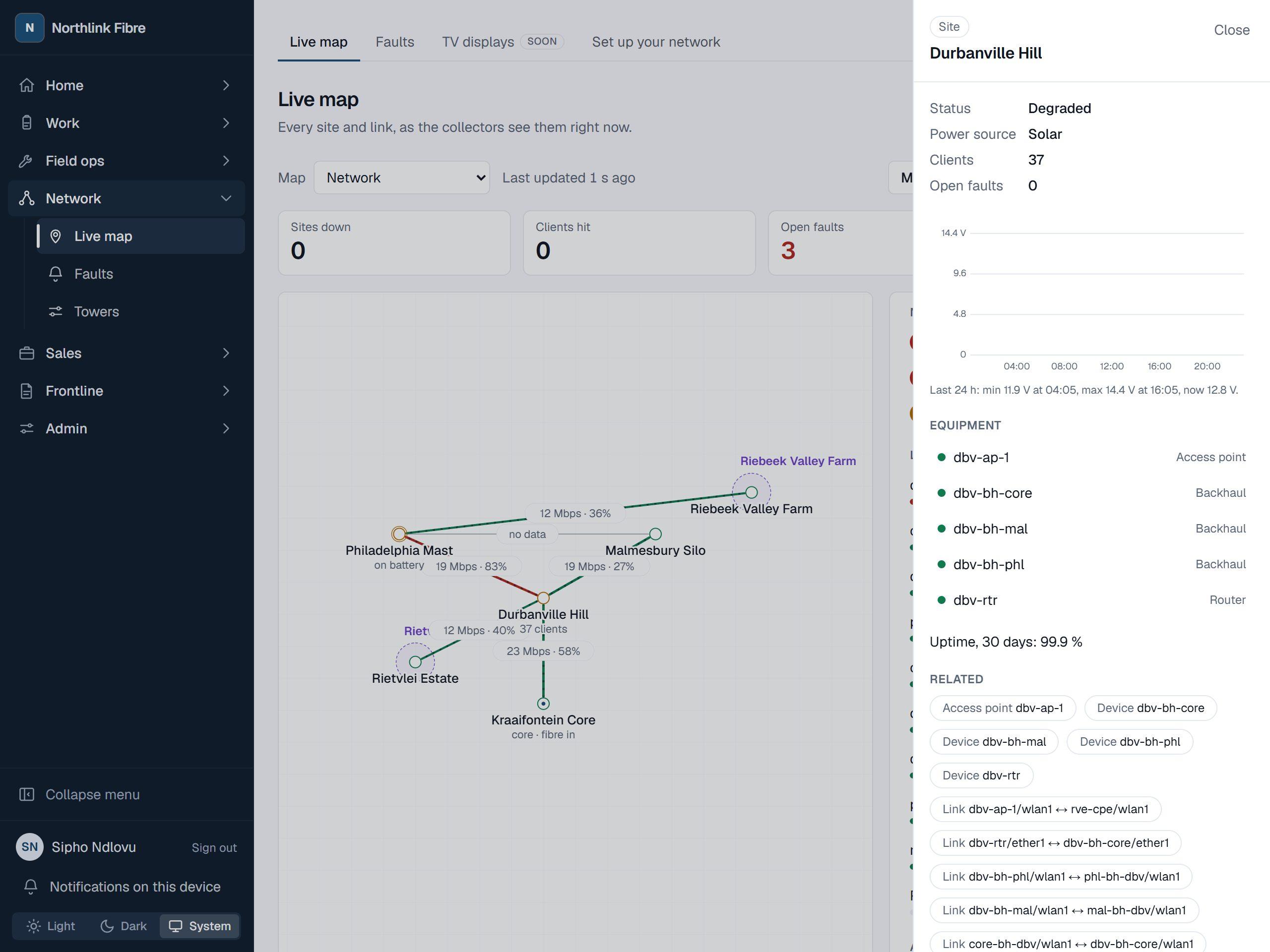
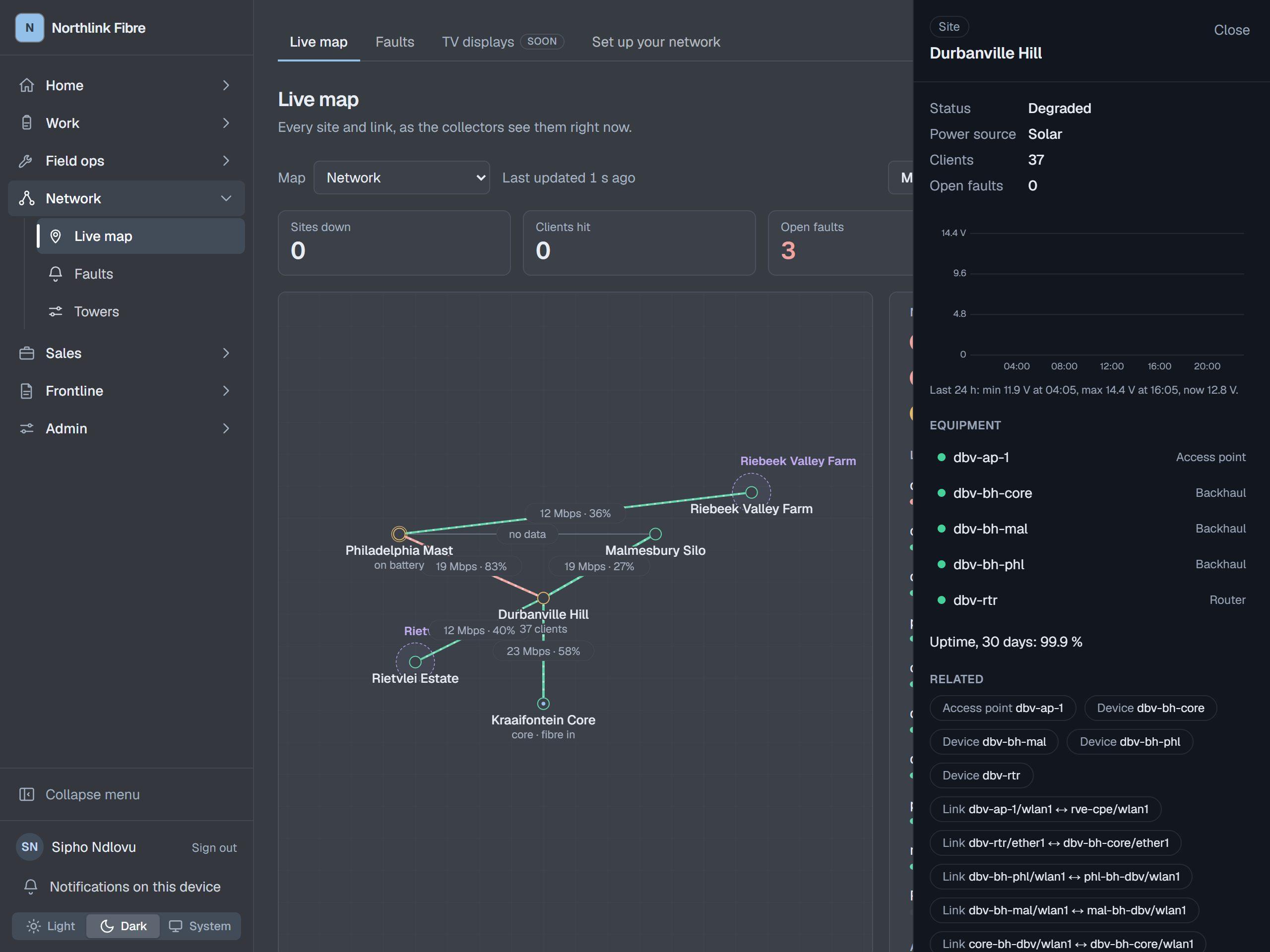
Every tower, radio and link on one map, updating while you watch it. When something breaks, the fault is already open and somebody has already been told.
A small collector on your network reports what it sees and the map draws it: sites, the equipment on them, and the links between them, each carrying its own live figures. Click a tower and the side panel shows what is on it, how it is doing and what has gone wrong there recently. A reading that stops arriving is shown as unknown rather than healthy, so a collector that falls over can never quietly mark the whole network fine.
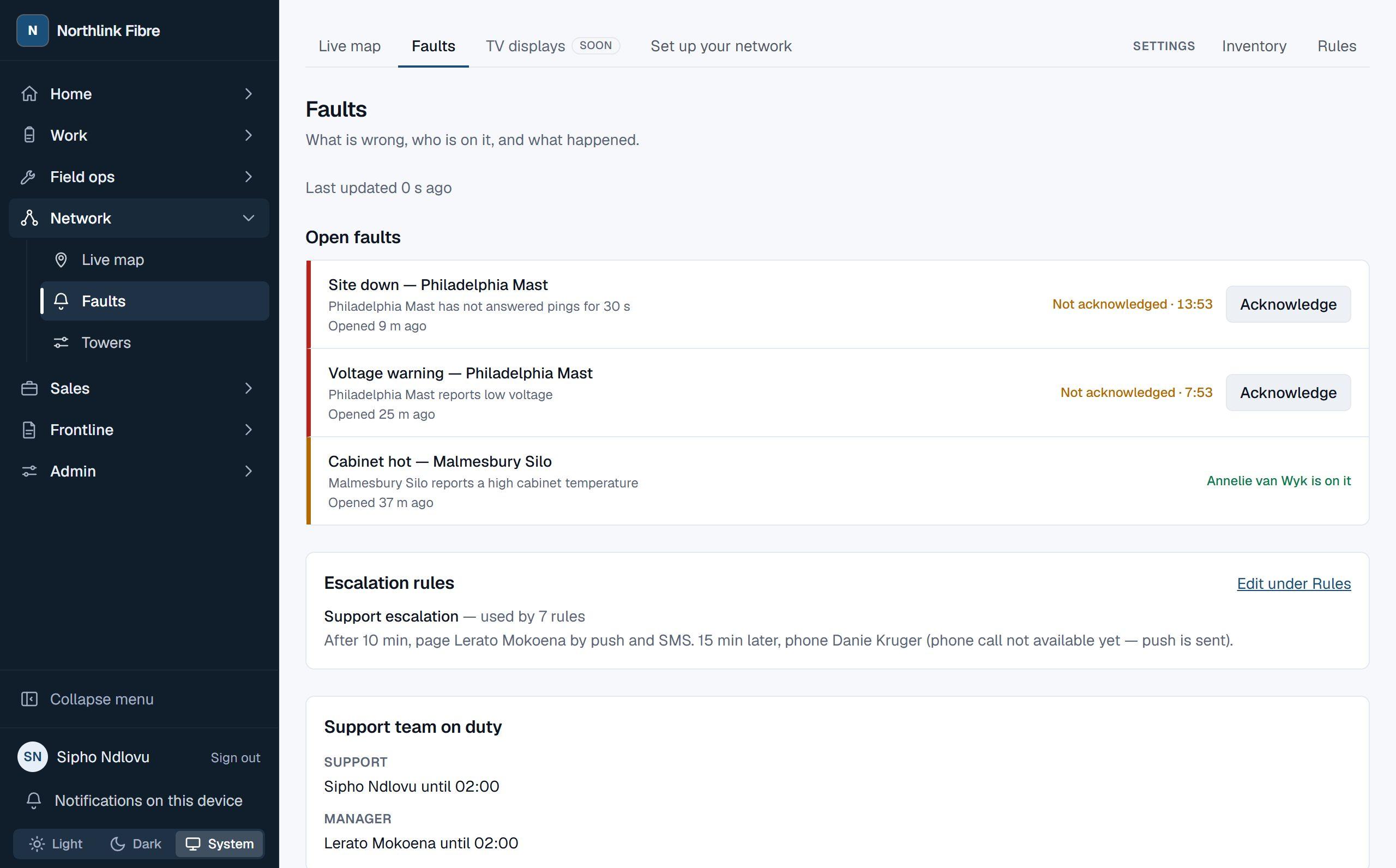
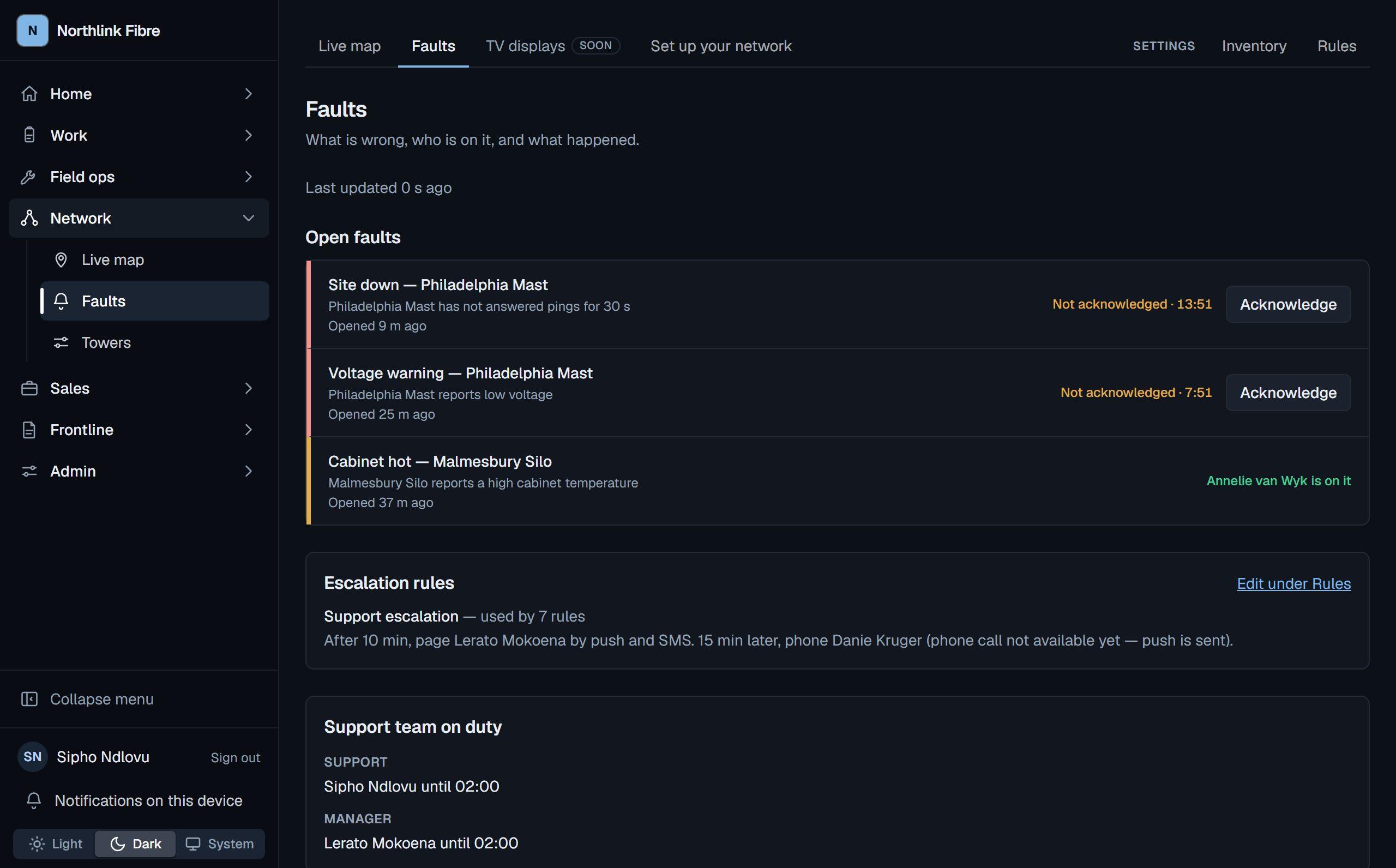
Faults open on rules you write, not on somebody noticing. A fault that nobody acknowledges escalates on a clock, to the next person and then the one after. If the same thing breaks again within fifteen minutes it reopens the fault that was already there rather than starting a new one, so a flapping link is one conversation instead of forty.
- A map you can edit. Add towers, devices and links, drag a tower where it really is, and put a real background behind it.
- Set it up yourself. Add a tower from a map or a pasted coordinate, put it where it really is, and join it to the next one with the speed you know. No engineer, no spreadsheet.
- Nothing reaches into your network. The collector sits on your side and talks outwards. It sends readings only — never a router password, never a community string — and it keeps them on disk when the line drops.
- Told on the phone. Push notifications to the people on call, with quiet hours and storm control, so one cause is one message.
Job cards and forms
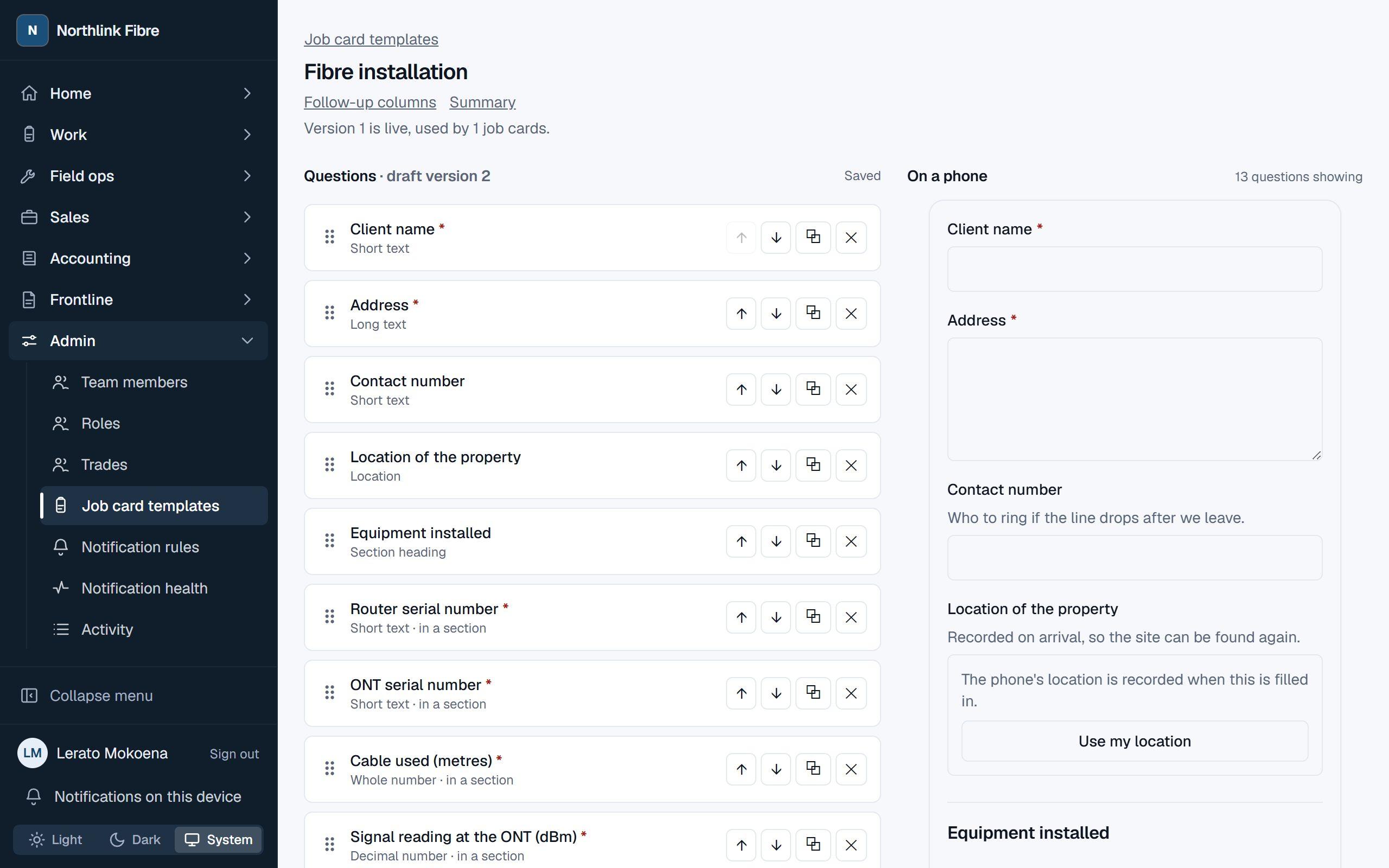
Build the form once. It fills in on a phone, in the rain.
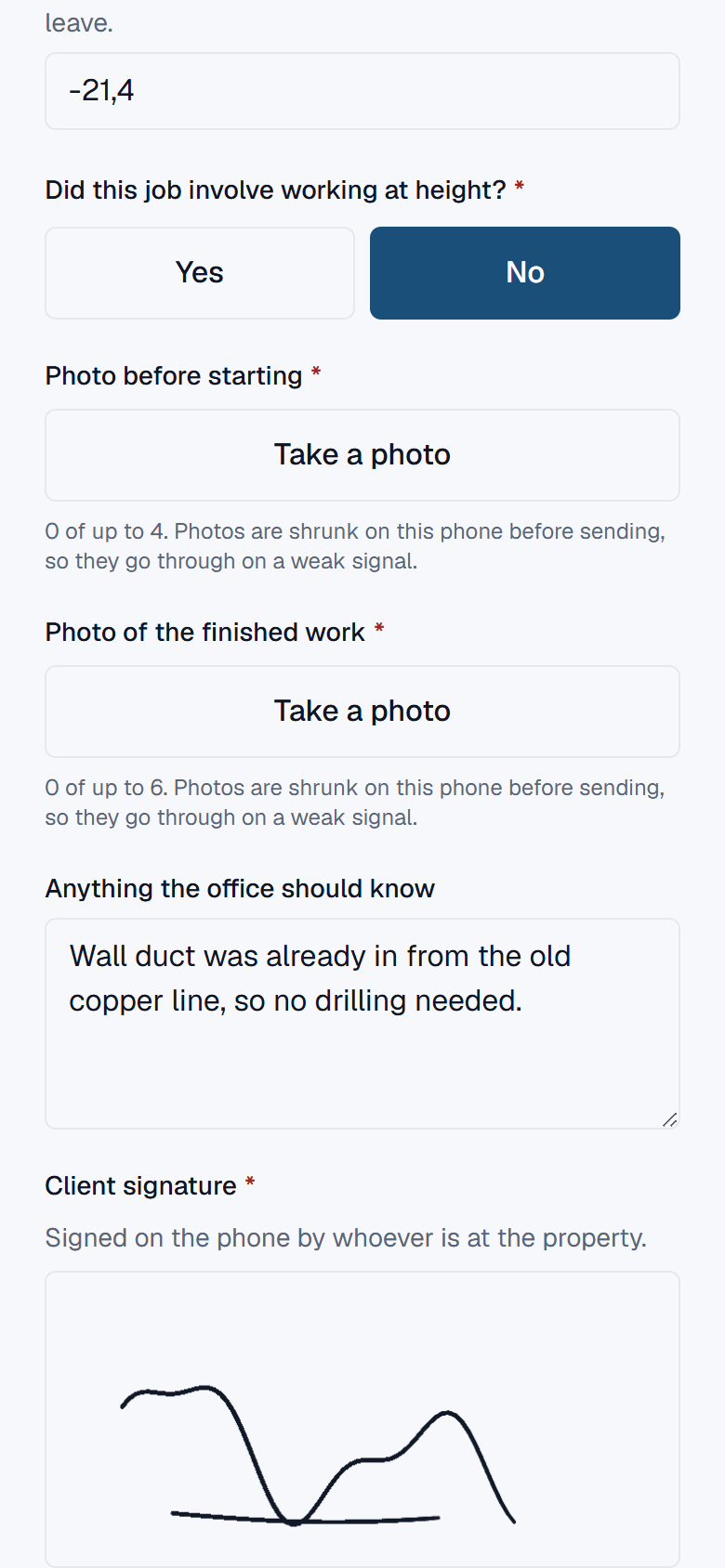
Drag the fields you need into a template — photographs, signatures, a location, a barcode, a calculation — and publish it. What comes back is a record you can print and rely on.
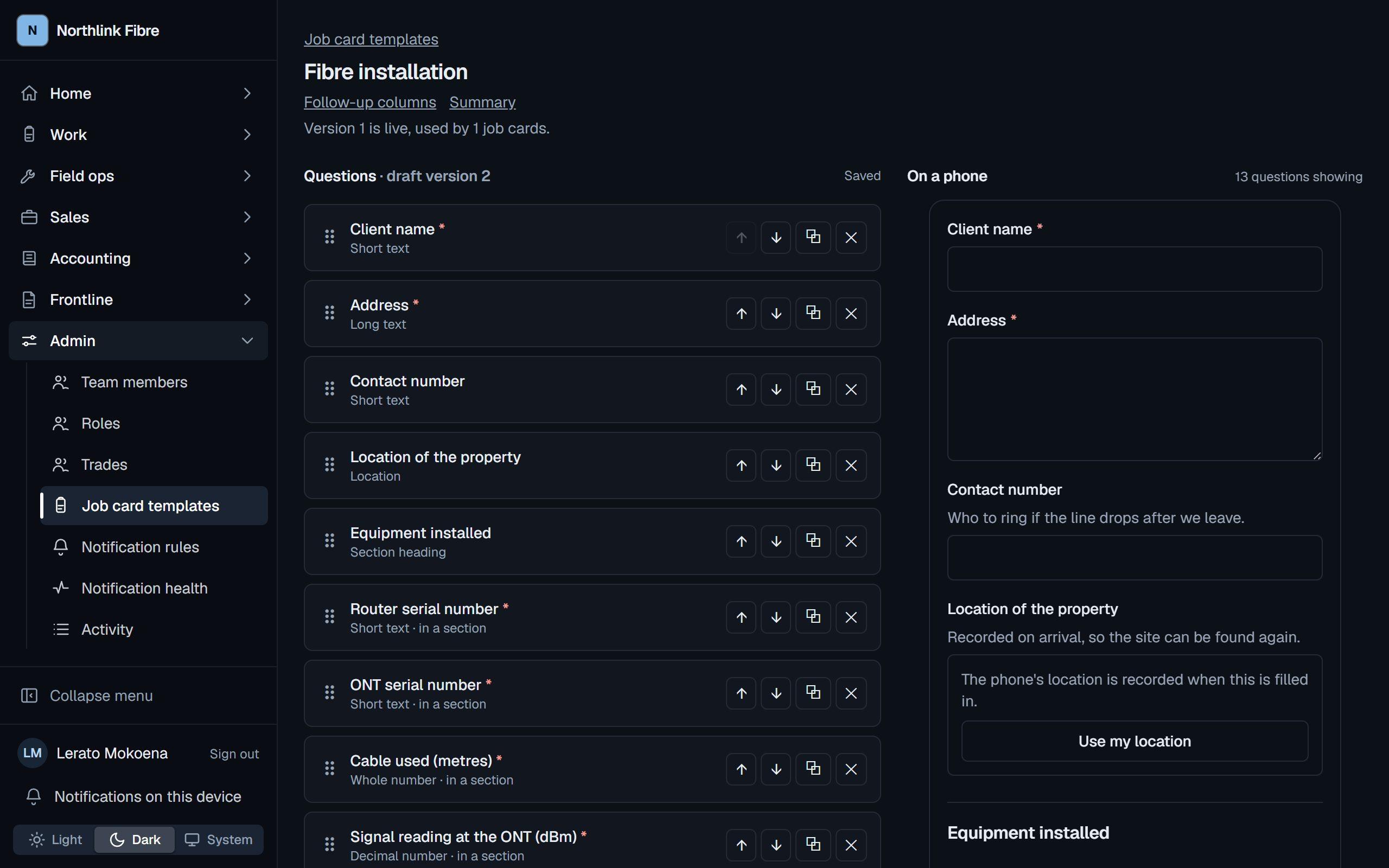
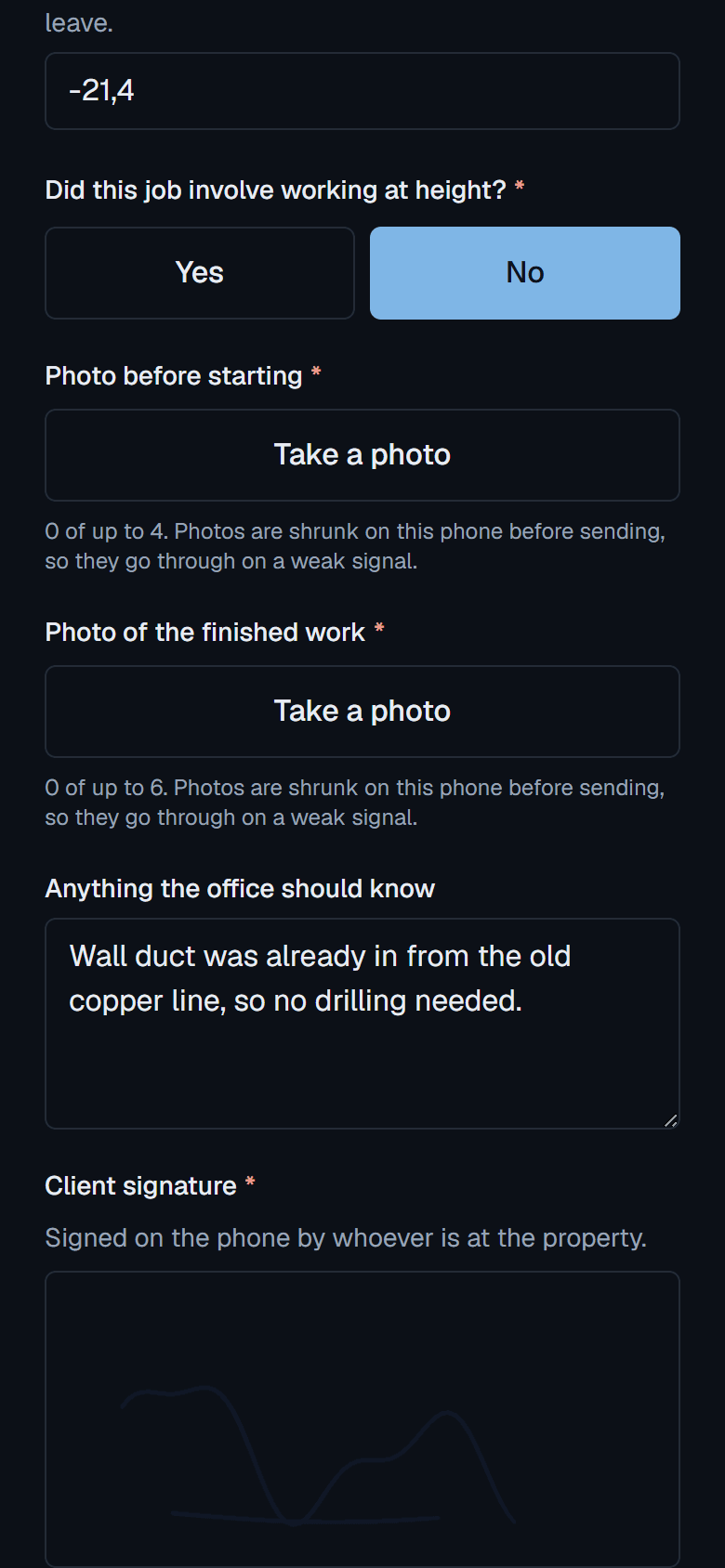
A template is built by hand, not requested from us. Twenty-nine kinds of field, fields that only appear when an earlier answer calls for them, and a preview that is the same component the technician will actually use — so what you see while building it is what they get.
Out of signal, the job card keeps working on the phone and syncs when the signal comes back. The technician's answers win; anything changed in the office while they were away is preserved and flagged rather than overwritten, because somebody who spent an afternoon on a roof filling in a form must never reconnect to find it gone.
Handed in, it is frozen. Nobody edits a submitted job card — a correction is added underneath with the name of whoever added it, and a rejection opens a fresh attempt while the original stays exactly as it was. The printed copy and the screen are rendered from the same record, so they cannot disagree.
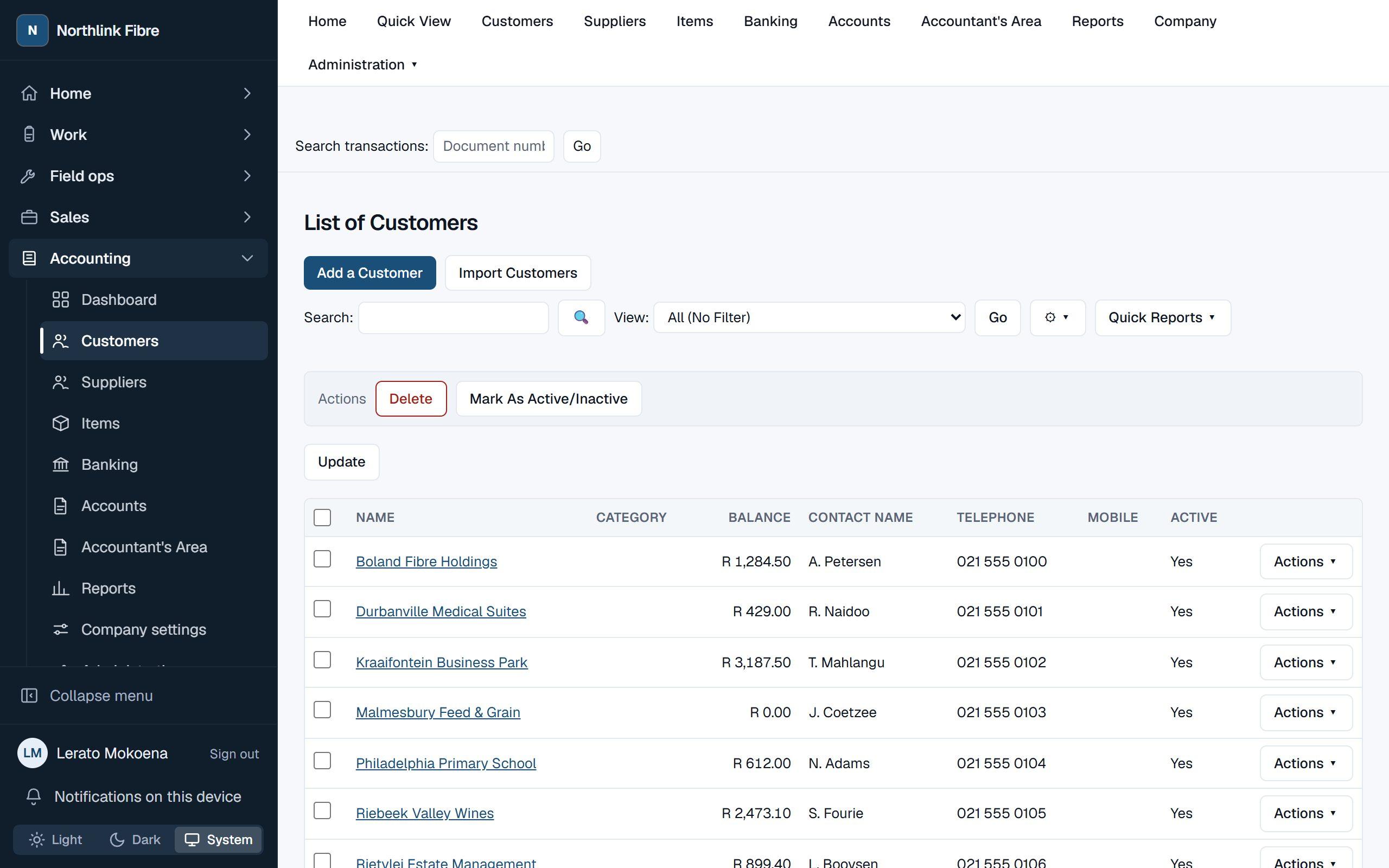
Accounting
The books, in the same system as the work.
Customers and suppliers, quotes through to tax invoices, receipts, payments, VAT and the reports that come out of them — kept where the jobs and the stock already are.
A quote becomes a sales order and then a tax invoice without being retyped. Credit notes, customer receipts and supplier payments allocate against the invoices they settle, which is what makes an age analysis mean something. Post an invoice and it is frozen: the journal behind it is written once and the document cannot be posted twice.
VAT is worked out per line from the tax code on that line, and the totals on the document are the sum of its lines rather than a number typed at the bottom. Bank reconciliation compares what the ledger says to the balance on the statement for a date and records the answer.
Nothing is stored that can drift. The trial balance, the customer and supplier balances and the account listings are all read from the ledger when you ask for them, so there is no second figure that can disagree with the first. Who may see or post what is decided by the same roles and permissions as the rest of the system.
The rest of it
Stock
No quantity is ever stored. Every balance is the sum of a ledger of movements, so the number on the screen can always be explained. A van is a location with an owner, and cable issued to a van is not the same thing as cable pulled into a wall.
Time and attendance
Clock in from a phone, from a shared tablet or from the job. Hours are computed from the punches every time they are asked for. A correction stands beside the punch it corrects, with who asked, who approved and why — and nobody approves their own.
Vehicles
Pre-trip inspections on the same form engine as the job cards. A critical point that fails raises a ticket and takes the vehicle off the road, and it cannot be assigned to anybody until the defect is cleared.
Policies and training
What people have to read, and what they have to pass. A signature binds to the version of the document that was on the screen, so an acknowledgement still means something after the policy is rewritten. Certificates warn before they expire, once.
Sales
A pipeline, and quotes that freeze their prices the moment they are made — a renegotiation is a new version, never an edit. Commission is a ledger nobody can approve for themselves, and a won deal becomes a draft job card with the stock already reserved.
A portal for your customers
Your subscriber scans the code on their box and sees their line, their appointments and their tickets, without an account to create or a password to forget.
Getting started
Your company gets its own space, at its own address.
We set your company up and give you an address of your own. Your people sign in there, and everything they do stays there. Nothing you have is visible from another company's address, and the separation is enforced by the database rather than by application code that has to remember.
You choose which modules you run, and you get the ones you chose — a screen for a module you have not taken does not exist for you. Inside it, you decide who may do what: five roles to start from, editable, and the ones that can change what other people are allowed to do are held to two-step sign-in.
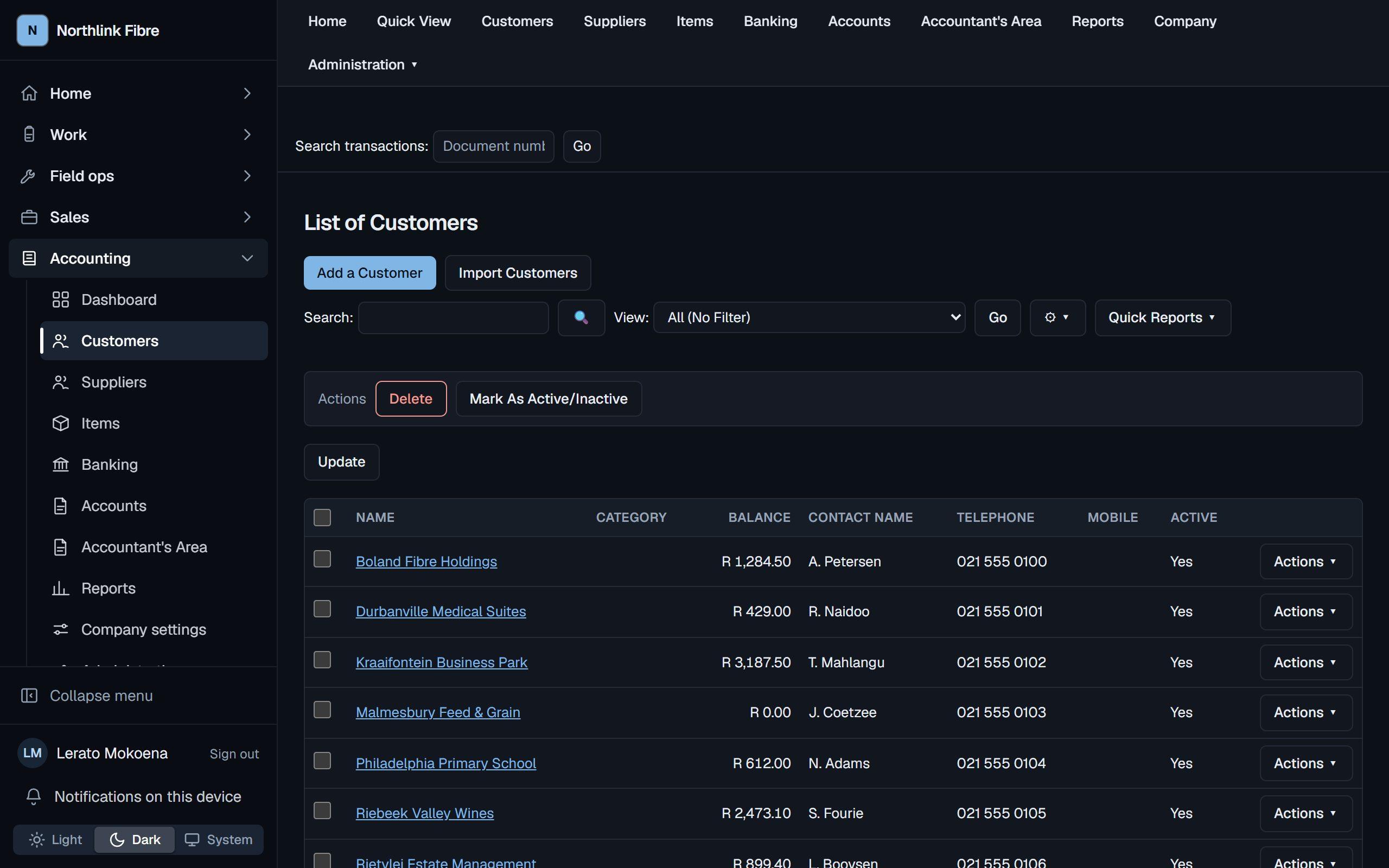
You pick the look, too. A handful of themes, in light and dark, and your own colour on top of them — chosen from controls, never pasted-in styling, so the interface cannot be broken by getting it wrong.
When we have to look at something for you, we come in read-only and it is written down. The database refuses the write; the audit line names us rather than one of your staff.
Already set up? Sign in.
Your administrator will have given you a username and a first password. If your company is not on Core OS yet, tell us what you run and we will show you what it would look like.